Shown with a sample firm.
Every job's deadlines
Your job dates, all in one place.
From survey to paid, your jobs' deadlines sit in one place: the 14 days a customer has to cancel, the grant voucher, the install, the certificates and the paperwork after it. Every morning it tells you what needs you, and why, with a button to sort it.
How it works
-
Step 1
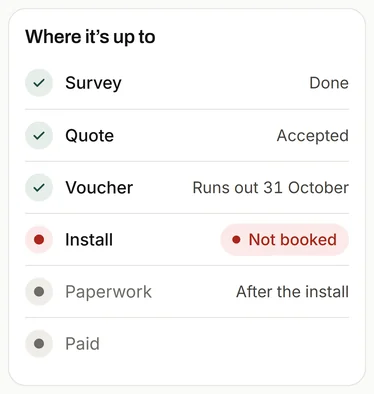
It keeps every job's dates.
They come from your job software and your inbox. When the DNO's go-ahead lands, it's filed in the job, and the job moves on.
-
Step 2
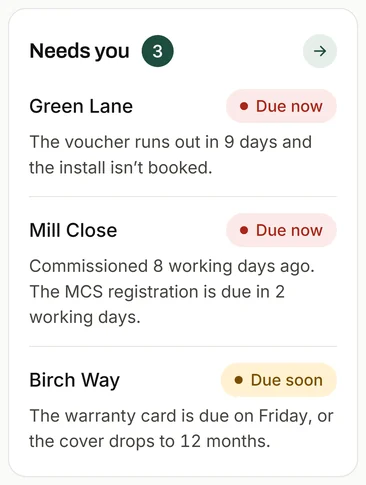
It tells you what needs you.
Each one comes with the reason, like "The voucher runs out in 9 days and the install isn't booked."
-
Step 3
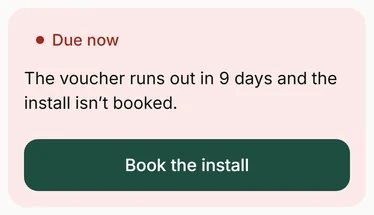
One tap to sort it.
Book the install, and Ask lines it up for your OK.
What it reads
Your job software: each job's stage, and its dates.
Your inbox: emails that move a job on, like the DNO's go-ahead.
Your calendar: when installs and visits are booked.
Each item in Needs you says why it's there, and what it costs if it slips.
Questions
Which deadlines does it track?
The ones on your jobs, whatever the work: the 14 days to cancel, grant vouchers, installs, certificates and notices, warranty registrations, and landlords' safety checks and renewals.
Where do the dates come from?
Your job software, your inbox and your calendar. When an email moves a job on, like the DNO's go-ahead, it's filed in the job.
See the other parts
-
Ask your firm
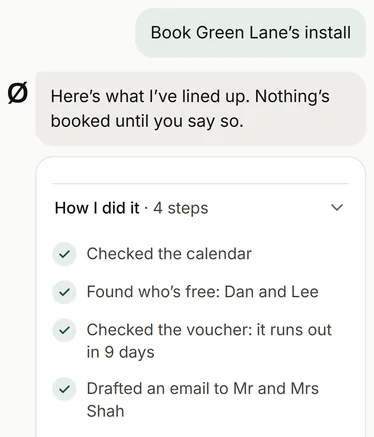
Your team asks it about any job, customer or invoice, or to get something done, like booking an install. Anything it drafts waits for your OK.
-
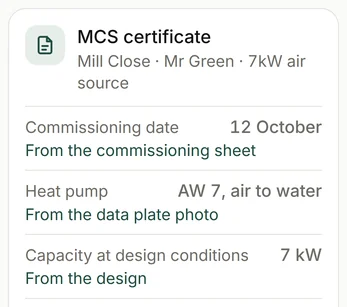
The paperwork filled in, for your office to check and send
From the quote and contract to the certificates and handover pack, on heat pump, boiler, solar and battery jobs, filled in from the job's own details.
-
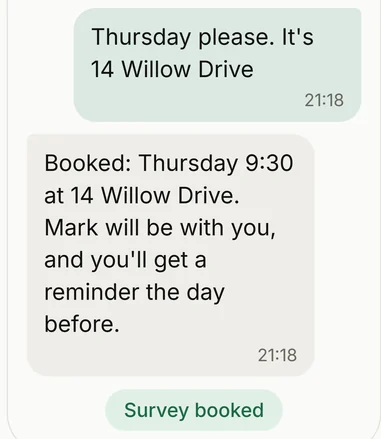
Enquiries answered, and surveys checked first
Enquiries get the right questions and a rough price before anyone drives out. A good fit gets a survey, and the rest get a phone call.
-
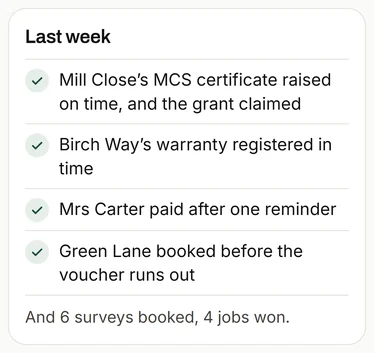
The Monday message
One short note every Monday: what got done, what's coming up, and one thing worth doing.
-
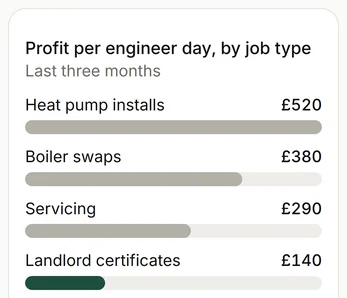
What each job made
Every job set against the engineer days it took, so you can see which work pays.
-
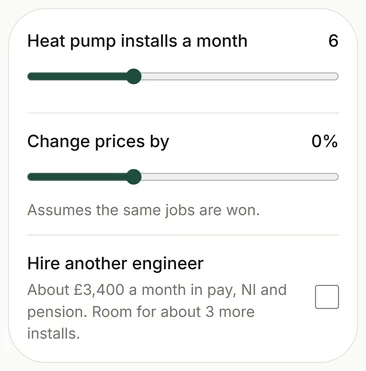
The what-if planner
Try a hire or a price change on your own numbers before you commit.
Get in touch
To see how it would work for you, email or call. It starts with a conversation about how your firm works, and what takes up your time.
Or reply to the message this link came in.